

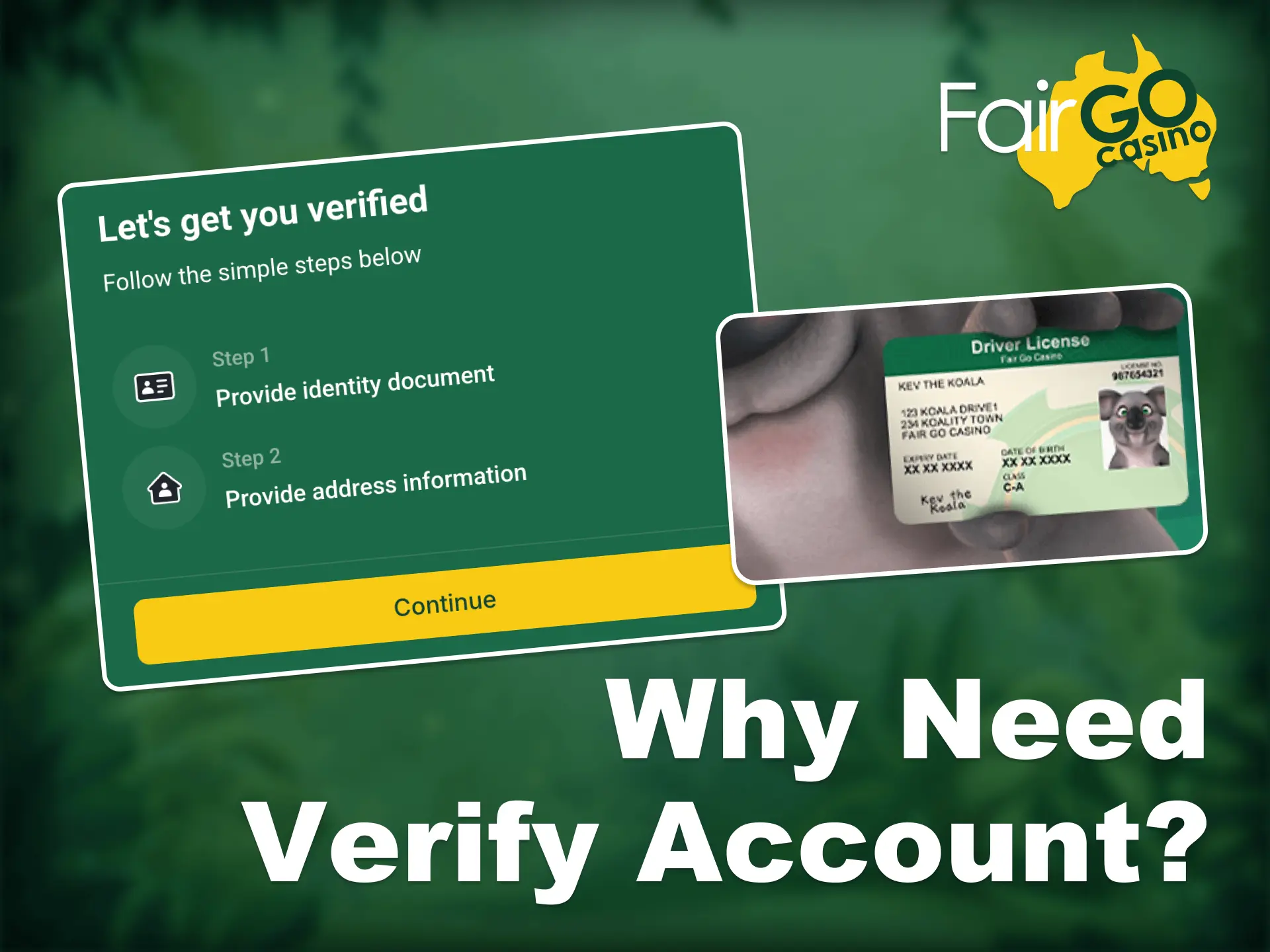
Step 1
Log in and Head to the Verification Page
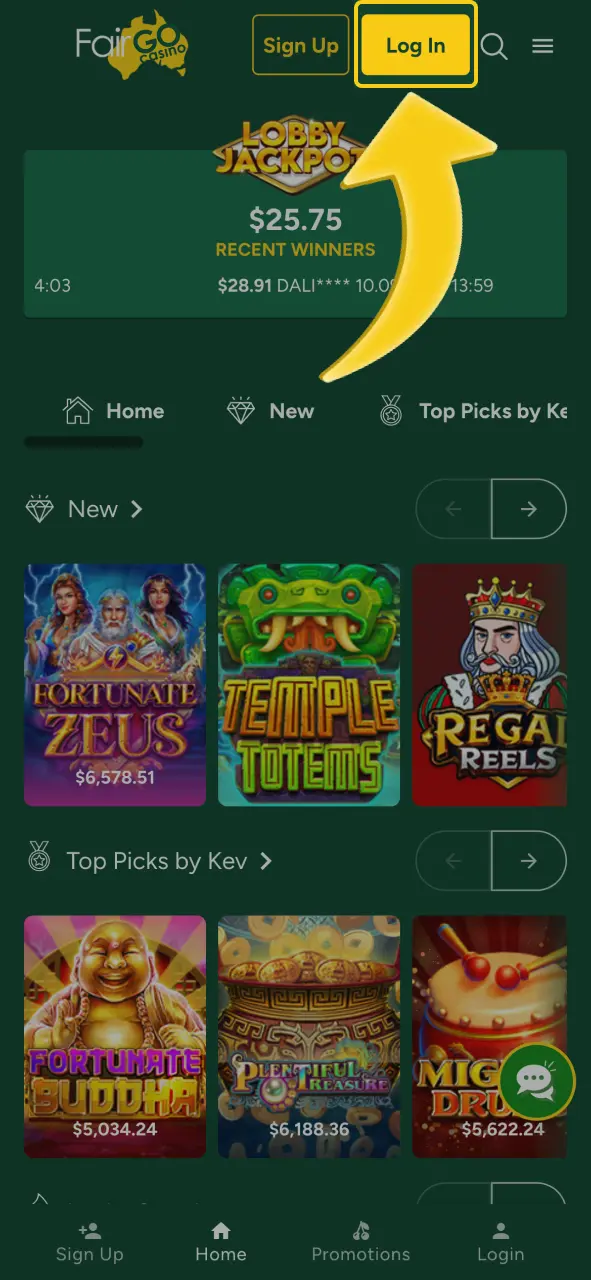
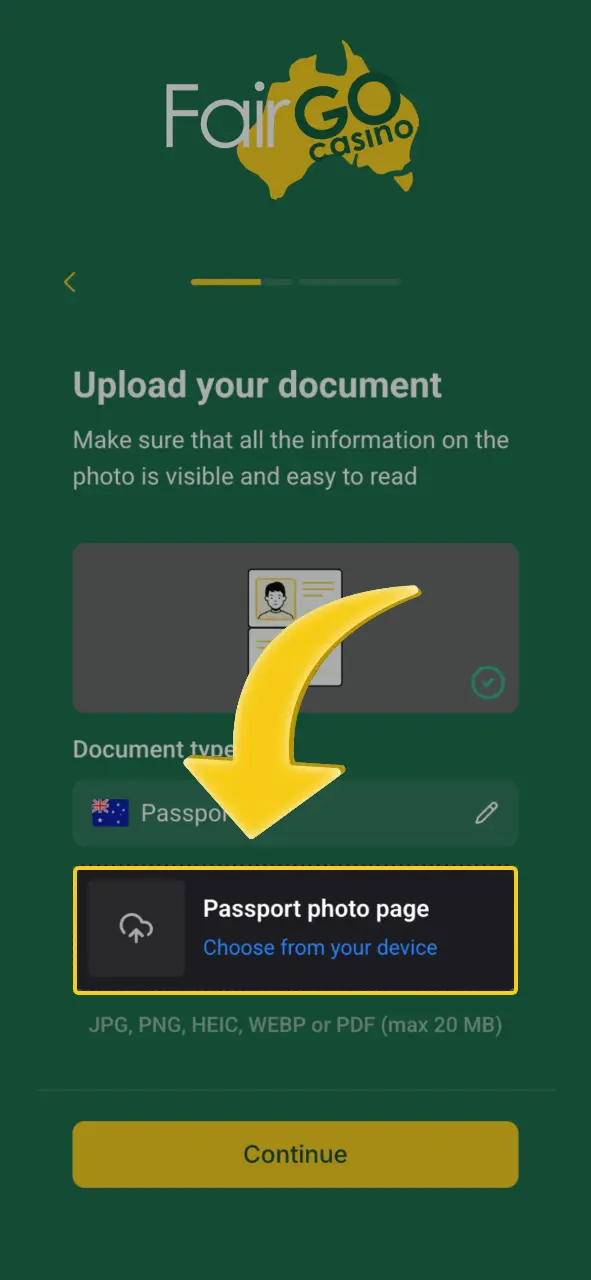
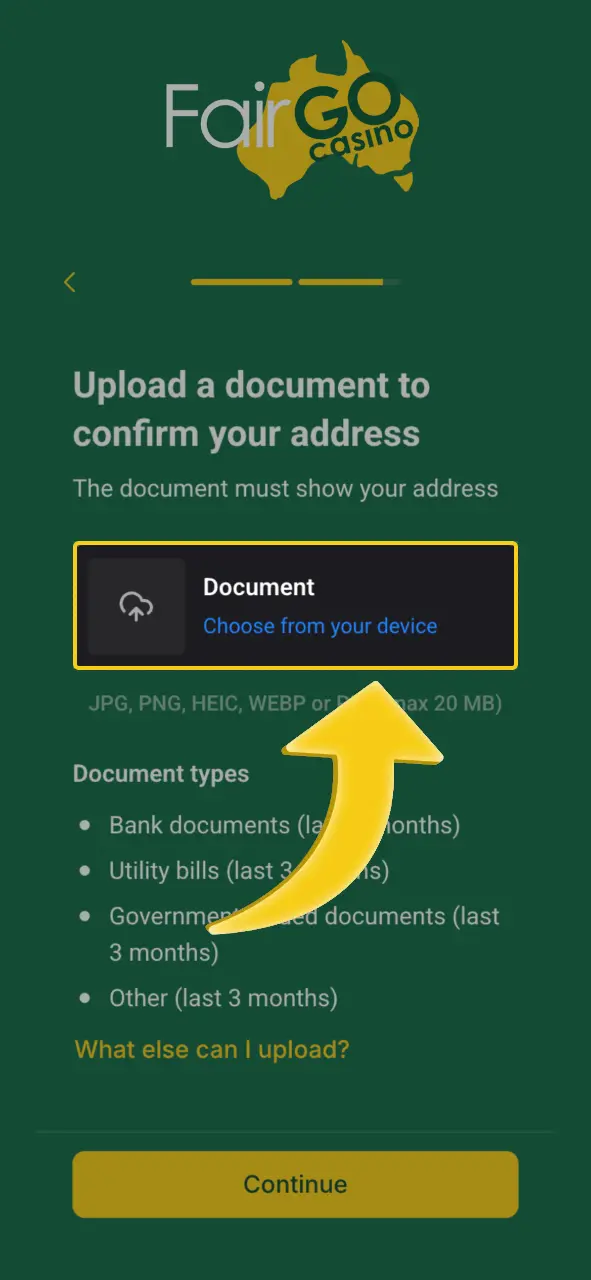
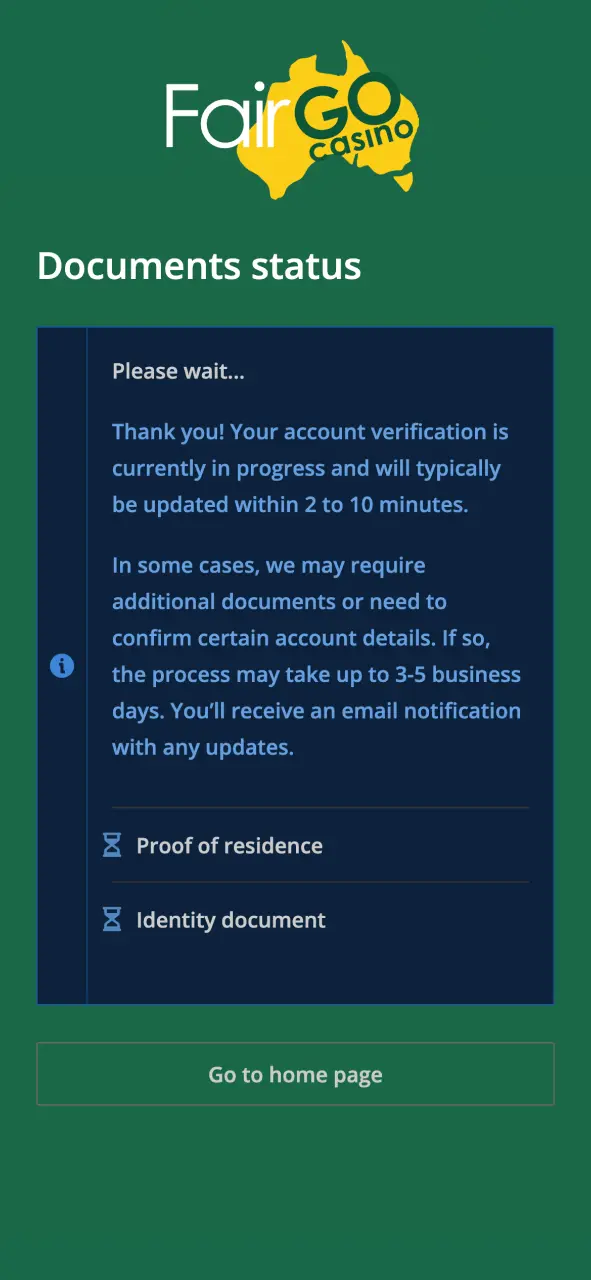
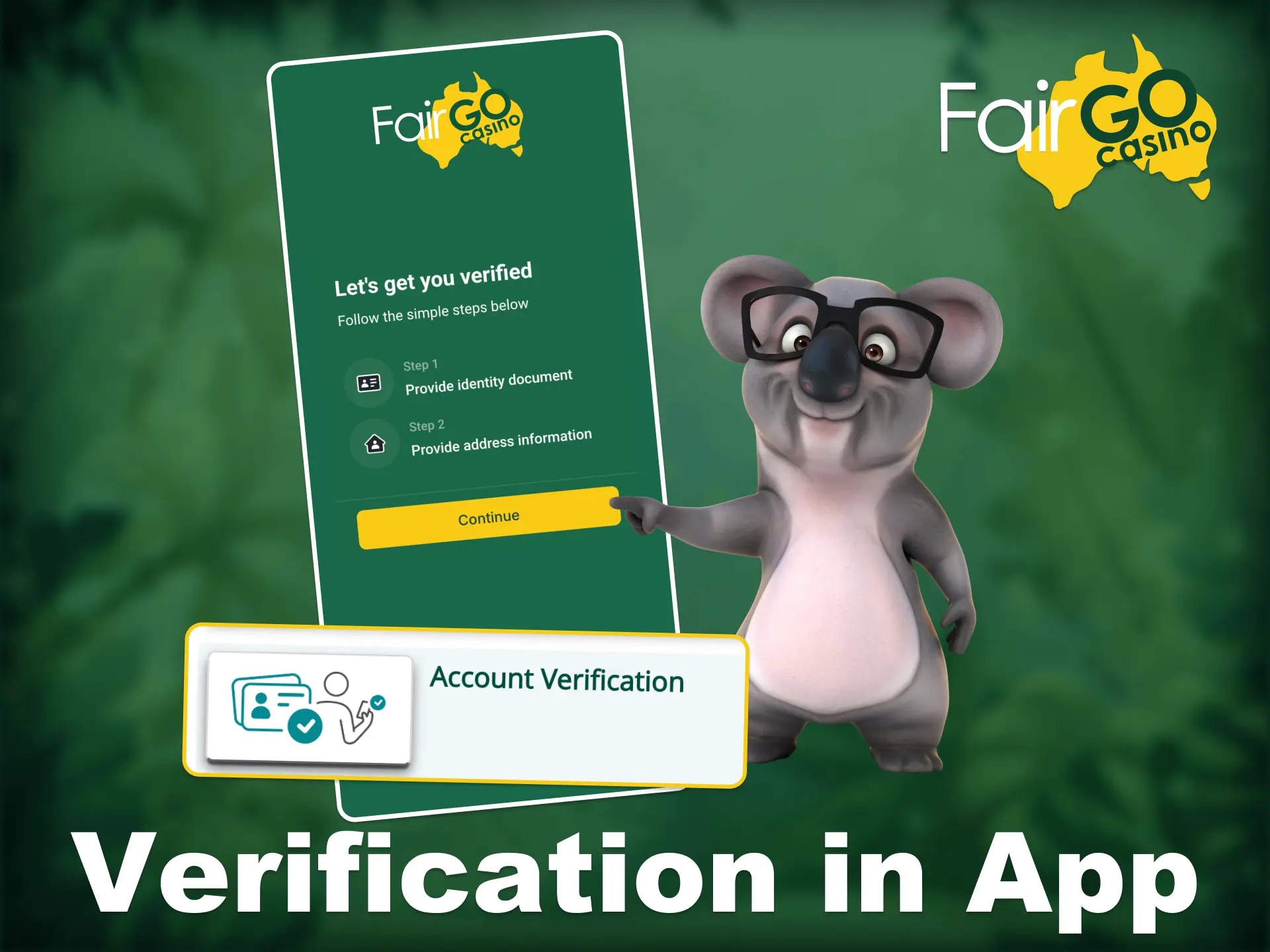
Start by signing in to your Fair Go account by clicking on the “Log In” button. In the withdrawal section, choose Once you’re in, go to the withdrawal section in the side menu and choose “Account Verification” tab from the list of options. You will be redirected to the page where you’ll upload your documents and complete the process.
Comments